
You do not start from a blank account
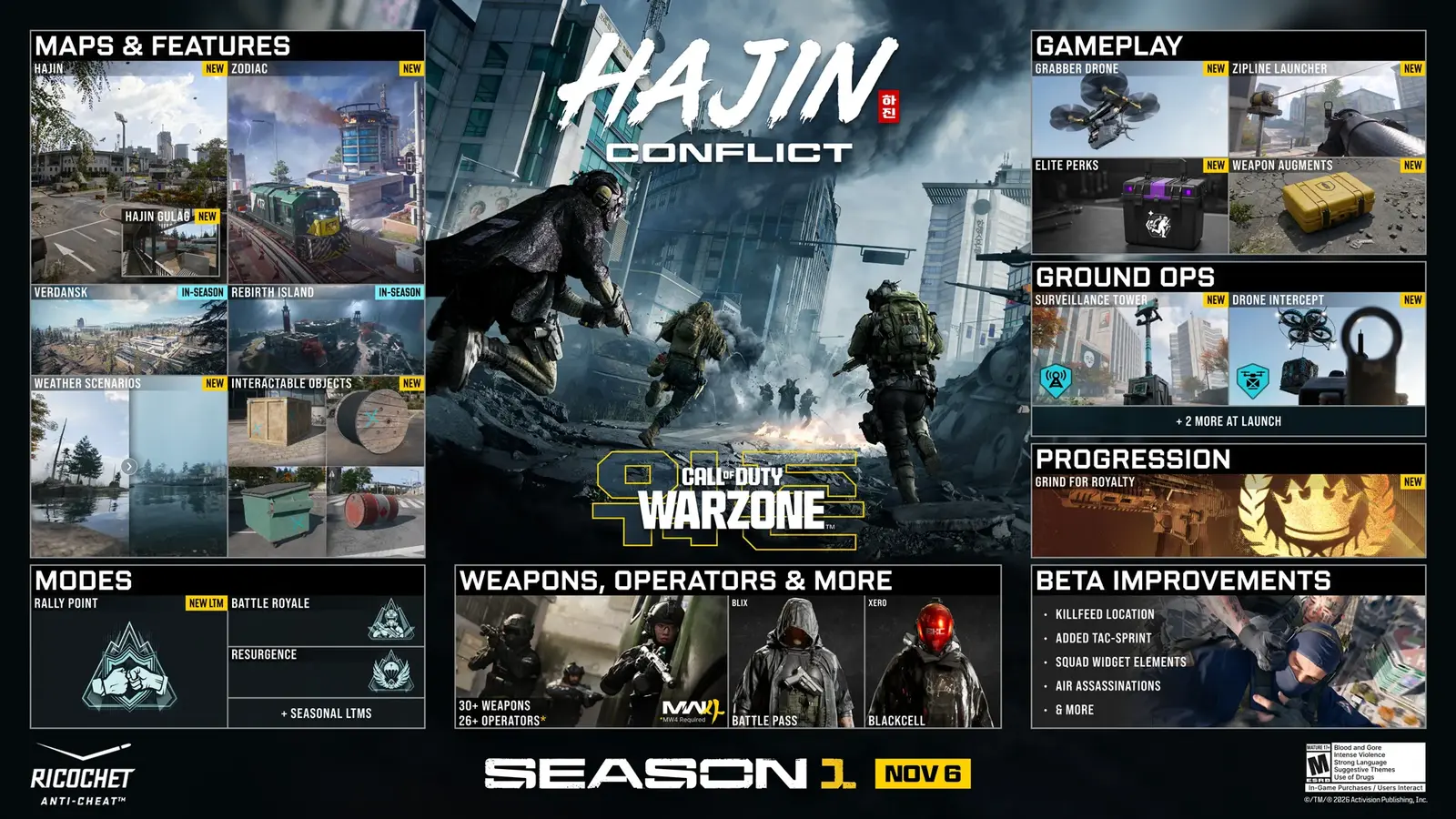
If you left during an older season, Season 1 is the Modern Warfare 4 integration. Progress follows the Activision account. The support article does not order a separate reinstall on the platforms that are still live.
Redownload, in one sentence
The question “do I have to redownload Warzone for MW4?” does not have an official yes. The platform article explains last-gen removal. The Season 1 blog explains the integration as the new season of the existing game. On Steam, Battle.net, PlayStation 5, Xbox Series, and Switch 2 you update the client you already own. PS4 and Xbox One cannot update into this season at all. That path is the last-gen page, not a patch button.
A Timesaver integration post has claimed that some items do not carry. Dexerto’s integration wiki lists what does carry. Where those two disagree, I do not pick a winner. I quote Activision for account progress and platform-locked COD Points, and I send item-level fights to those two write-ups with the conflict left visible.
Skins and points
Progress moves with the Activision account. COD Points and content bought with a console’s local currency stay on that platform account and work on the newer console in the same family. A PlayStation wallet does not become an Xbox wallet. Operator skins are the fuzzy part: I will not promise every blueprint survived, because the secondary articles do not match and the support page does not itemize blueprints.
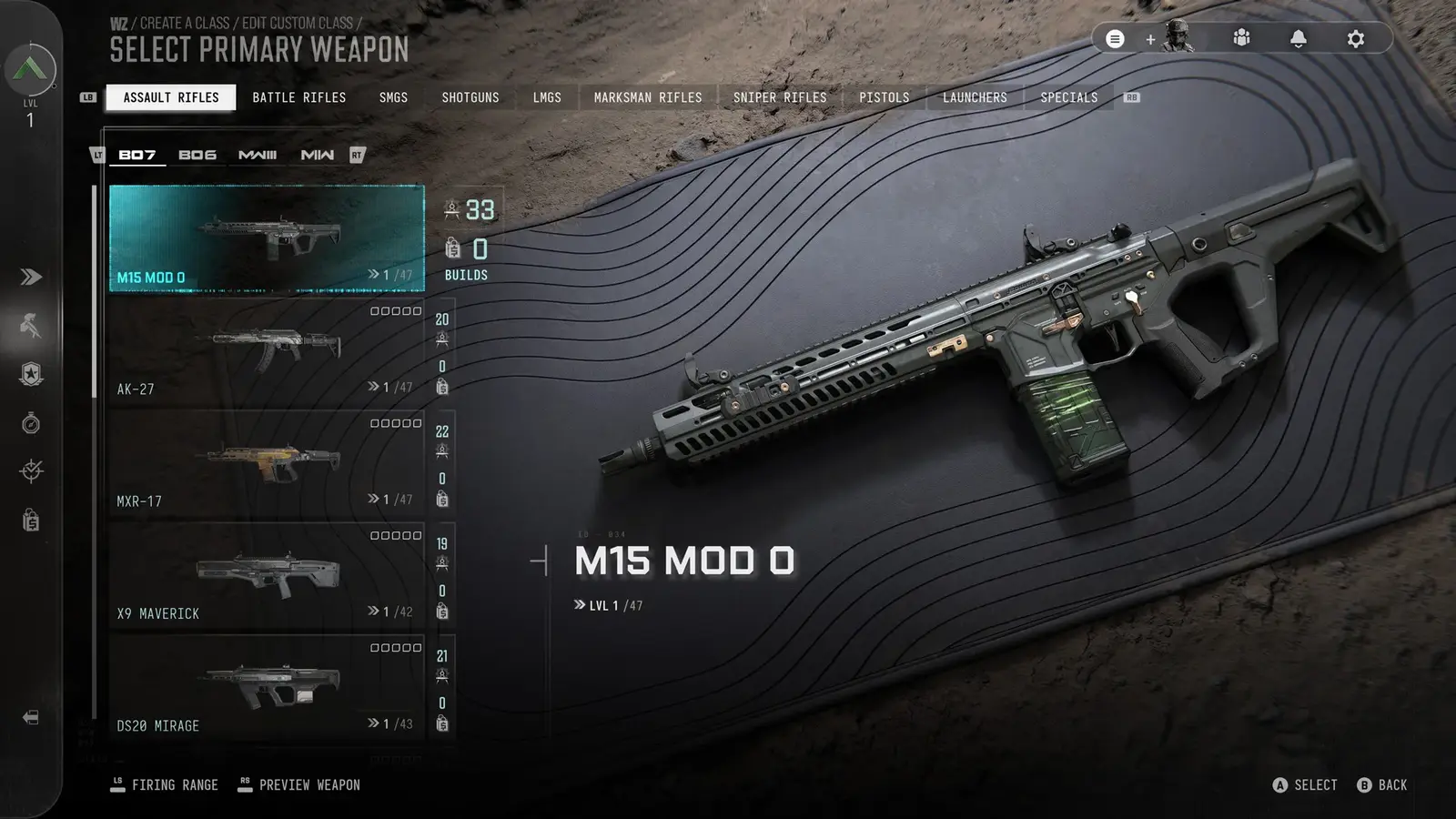
Legacy weapons that do return are presets. Read legacy weapons before you hunt a gunsmith you remember from 2023.
FAQ
Do I have to redownload Warzone for MW4?
Not as a second product on current platforms. Update the client. Last-gen consoles cannot come forward.
Will skins transfer?
Account progress does. Individual blueprint promises conflict between secondary sites, so I do not state a yes.
Related
Sources
- Activision platform update — checked 2026-11-10
- Dexerto — integration — checked 2026-11-10
- Timesaver — integration — checked 2026-11-10